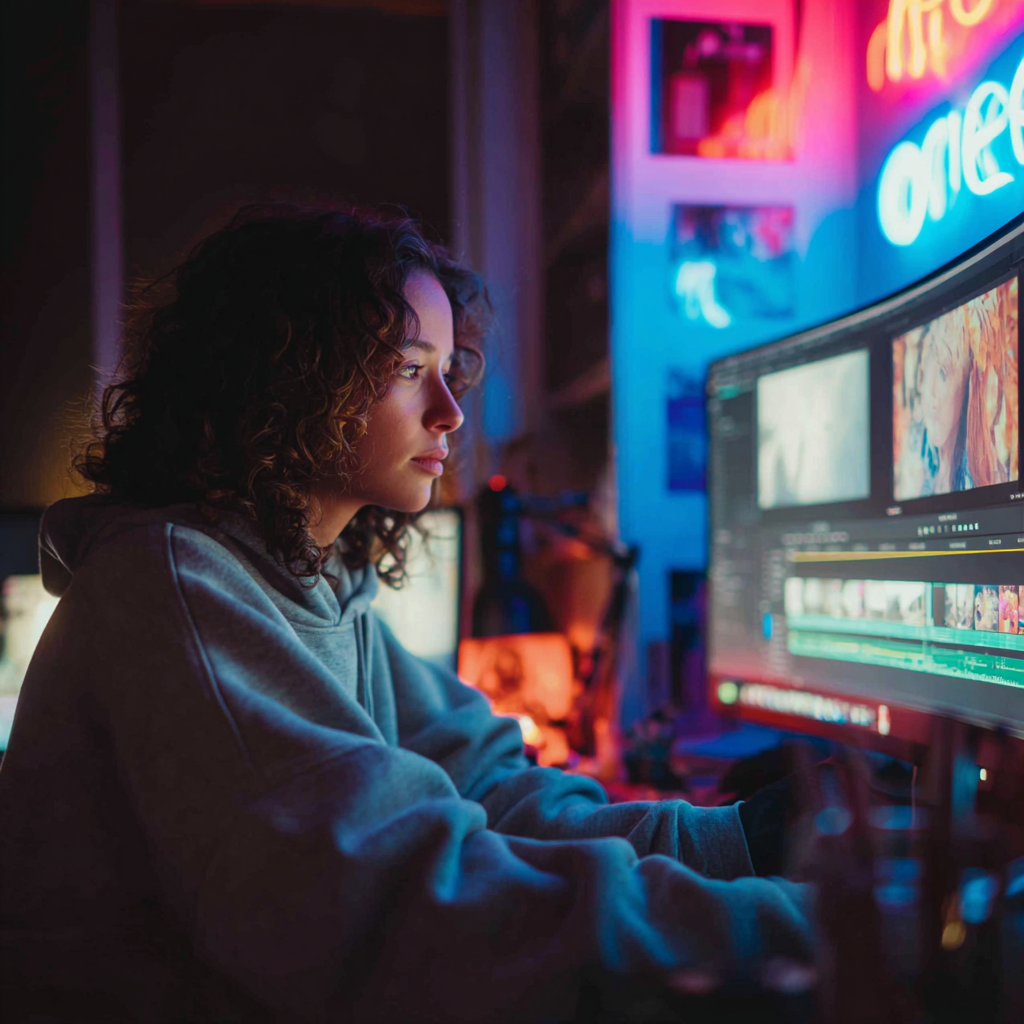

Adobe is introducing a suite of new video editing and motion design features in Premiere and After Effects, designed to help creators work faster and more intuitively as storytelling demands continue to rise. The updates arrive as the 2026 Sundance Film Festival celebrates films made with Adobe tools; according to Adobe, about 85 % of films premiering this year used Creative Cloud products.
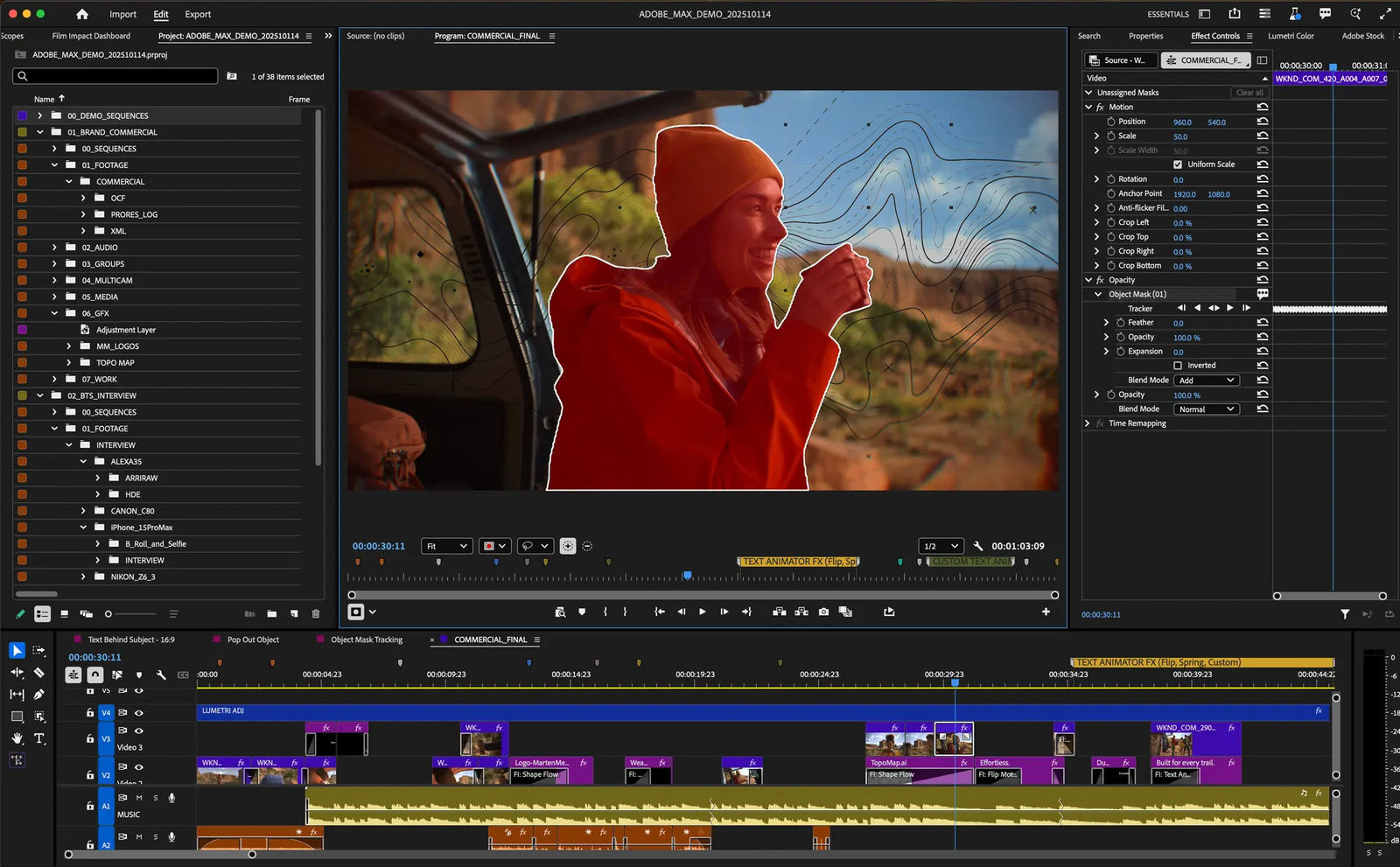
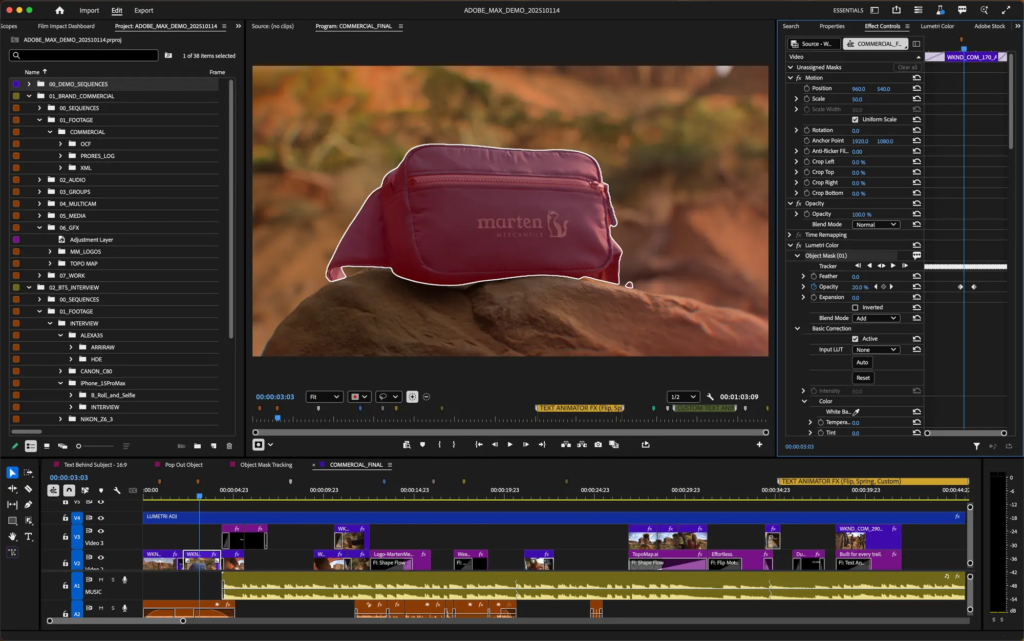
In Premiere, one of the standout additions is the AI-powered Object Mask tool, which lets editors generate precision masks around moving subjects with a simple hover and click, cutting down on manual rotoscoping time. The feature includes visual overlays and fast tracking, making it easier to isolate people or objects with minimal effort. Adobe says this assistive model runs entirely on the user’s device and does not use customer content for training. Redesigns to traditional Shape Masks—including Ellipse, Rectangle, and Pen masks—also bring significant speed improvements, with tracking up to 20× faster than before, and smoother controls for resizing, feathering, and blending.
Editors can now also pull assets directly from Firefly Boards—Adobe’s collaborative ideation space powered by its generative models—into Premiere projects, helping teams sketch out storyboards, fill gaps in b-roll, or experiment with creative ideas without leaving the timeline. A new Frame.io V4 panel further enhances collaborative workflows by bringing comments, media, and versioning tools right into the editing interface, enabling feedback and review loops without switching apps. Adobe Stock is similarly more tightly integrated, allowing users to browse, license, and import from its library of over 52 million clips without disrupting their creative flow.
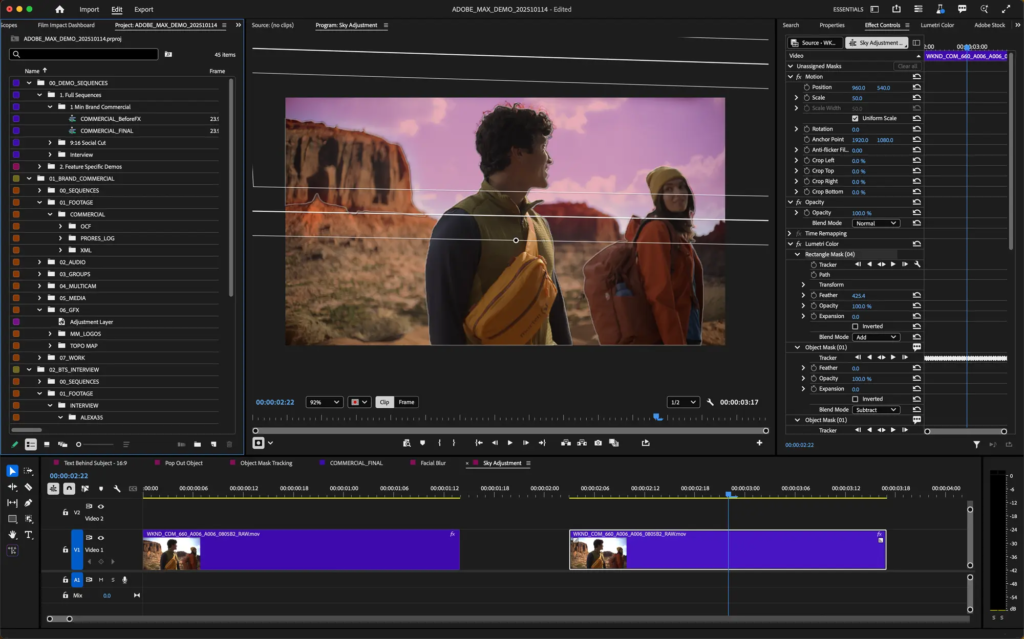
Across in After Effects 26.0, motion designers get access to a broad wave of new capabilities. Improved vector workflows let designers import SVG files as editable native shape layers, retaining gradients and transparency for full animation control. A new native 3D parametric mesh system lets users build and customize shapes like cubes, spheres, and cones internally, with Spot and Parallel shadow options adding depth and realism. Users can also apply Substance 3D materials to both imported models and native meshes, choosing from thousands of dynamic presets to fine-tune looks. Motion typography gets a boost as well; animators can now keyframe and drive every axis of variable fonts, including weight, width, and slant, through familiar panels and templates.
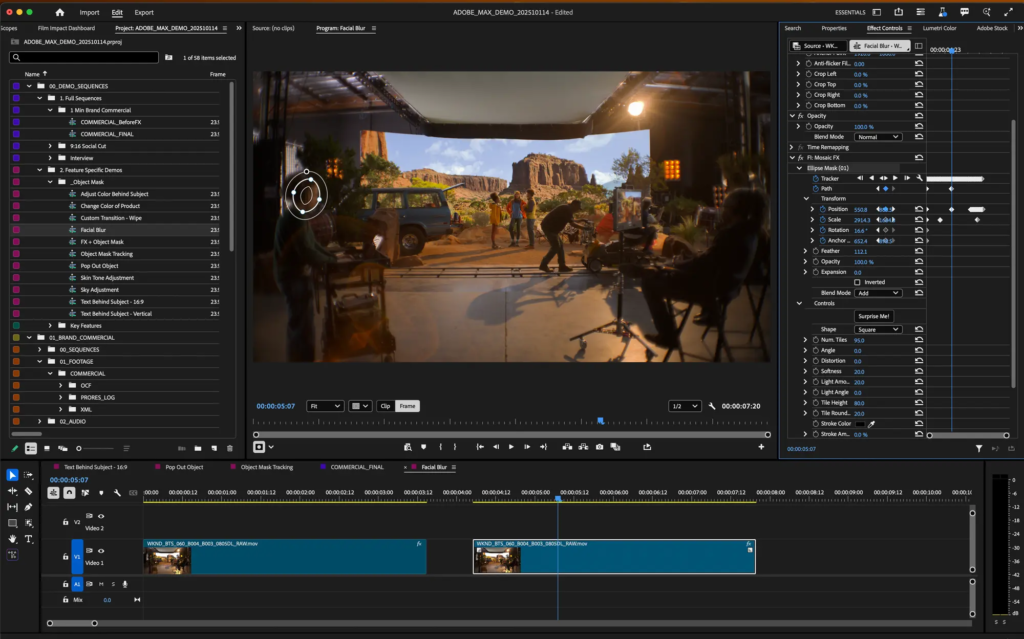
Adobe says the releases also include a host of performance and experience improvements—such as new effects for compositing, faster preview playback, and reorganized preferences to keep workflows tight and efficient. The company positions these enhancements as tools to help video professionals and motion designers tell richer stories with less friction, from rough cuts to polished productions.